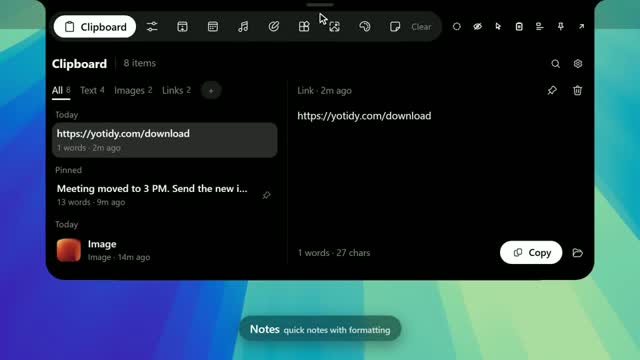
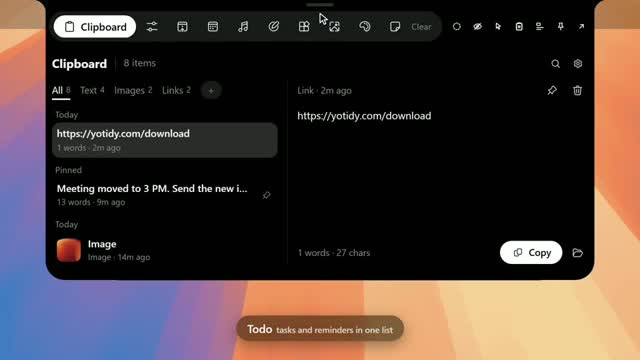
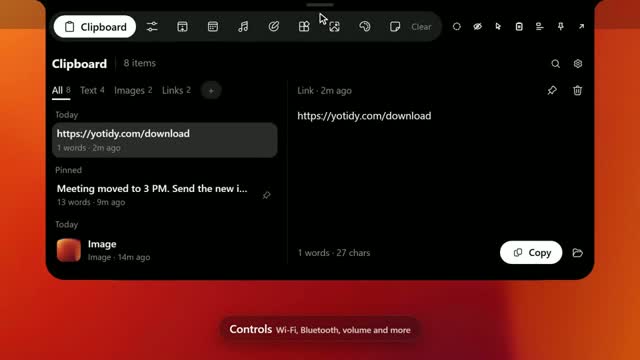
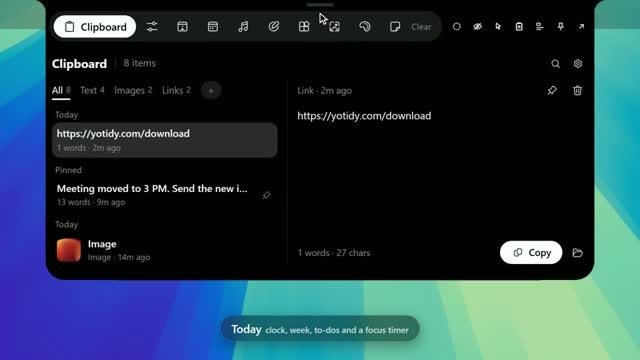
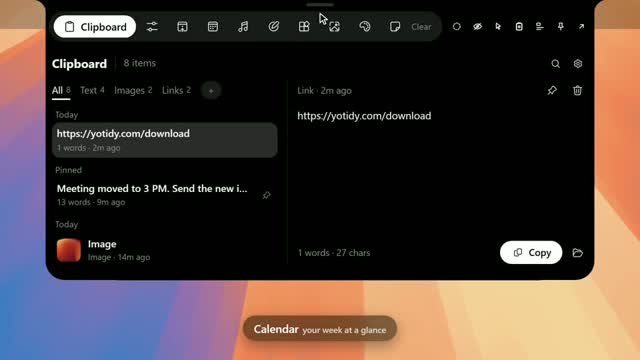
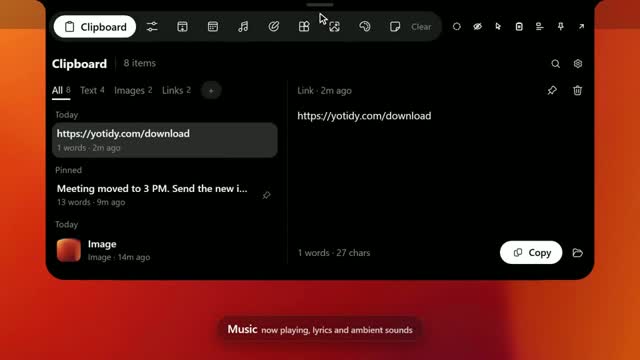
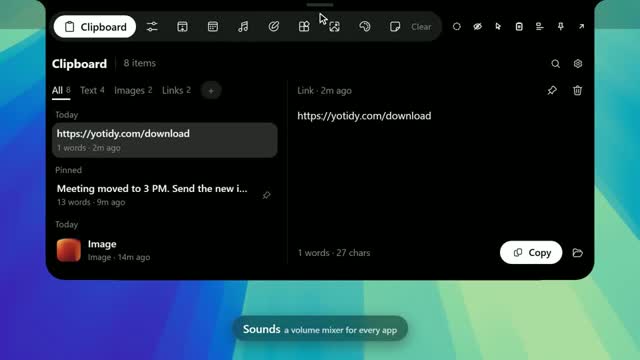
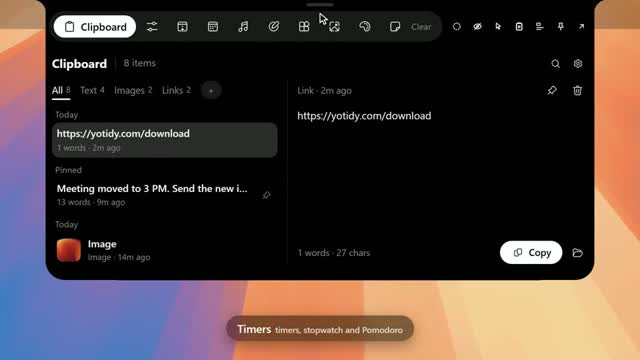
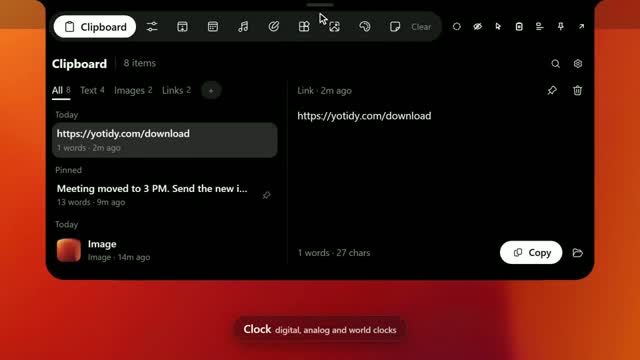
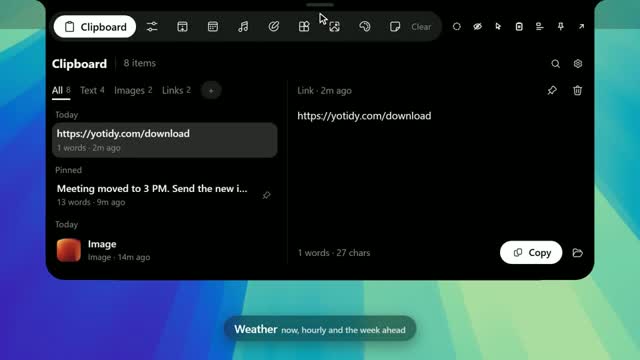
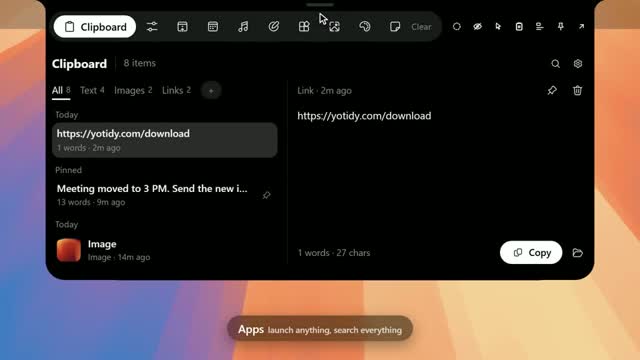
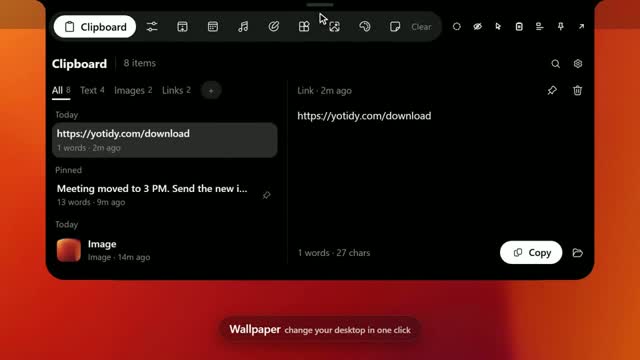
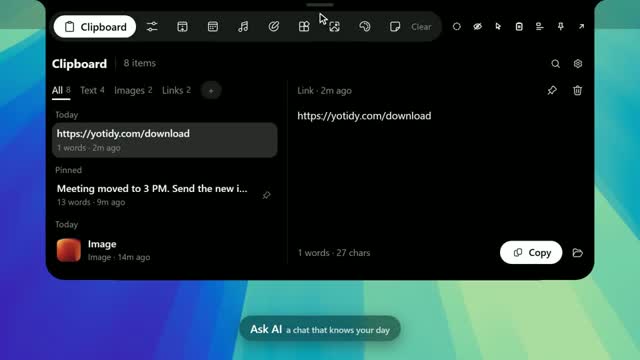
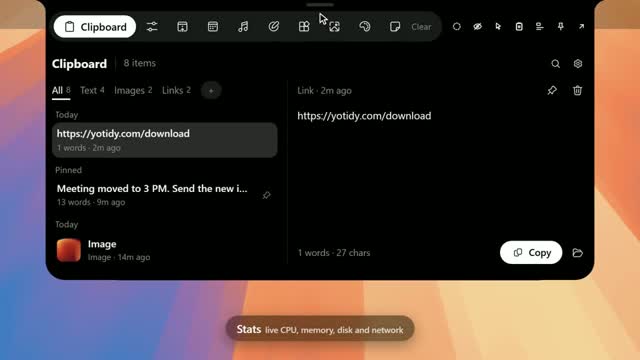
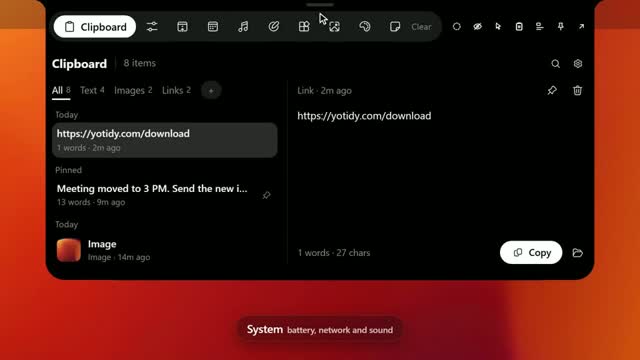
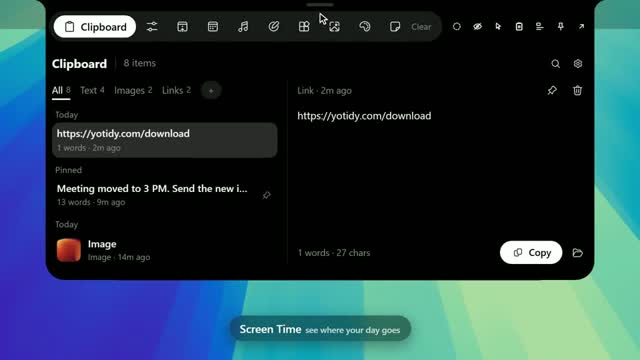
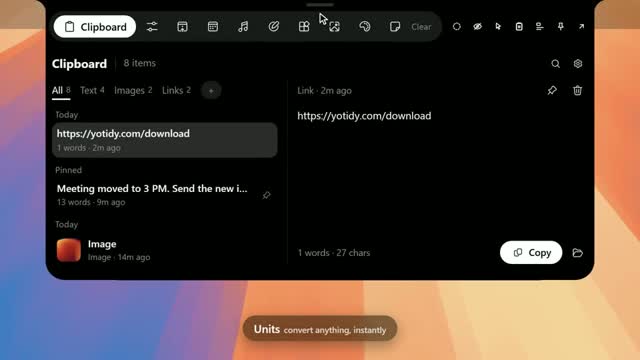
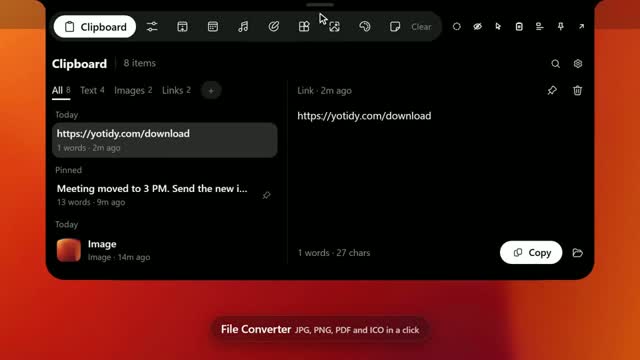
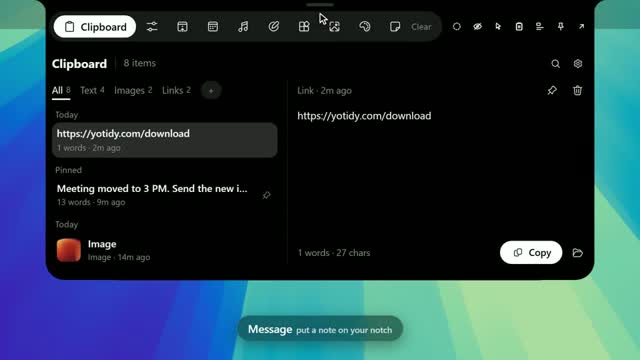
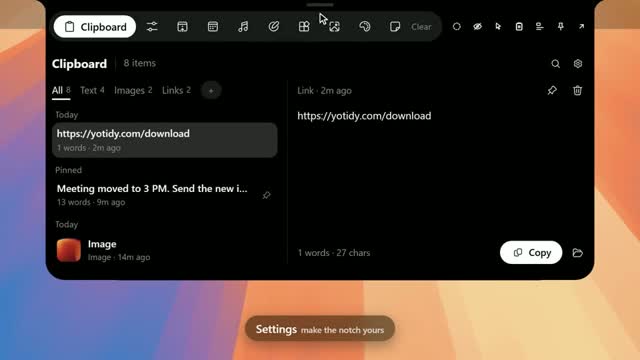
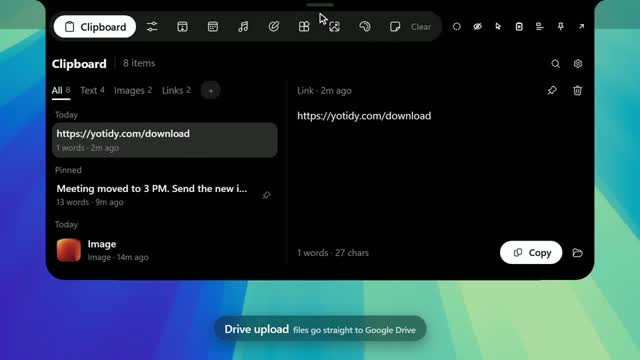
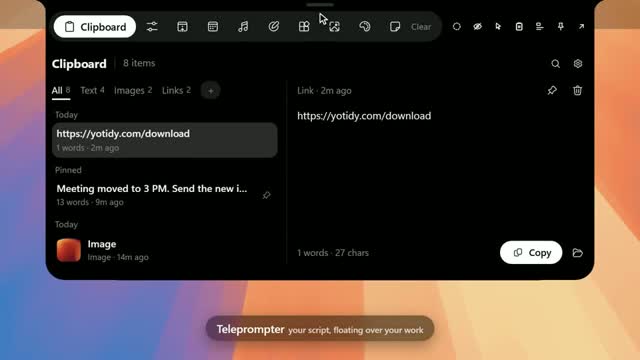
Each tab in the notch, with a live preview and what it does.
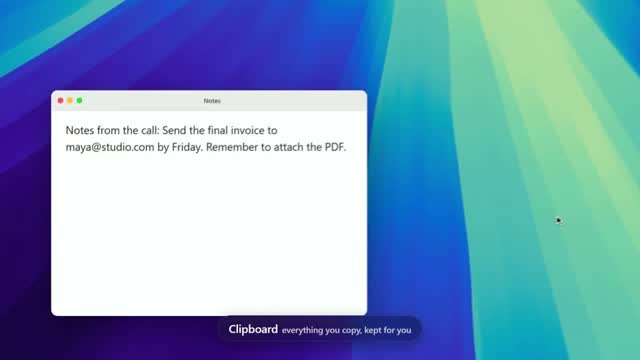
Clipboard
Everything you copy, in one searchable history grouped by day.
- Text, links, pictures, files and colours in one list
- Filter by All, Text, Images or Links
- Read the text inside pictures with OCR
- Pin, edit in place or drag an item into any app
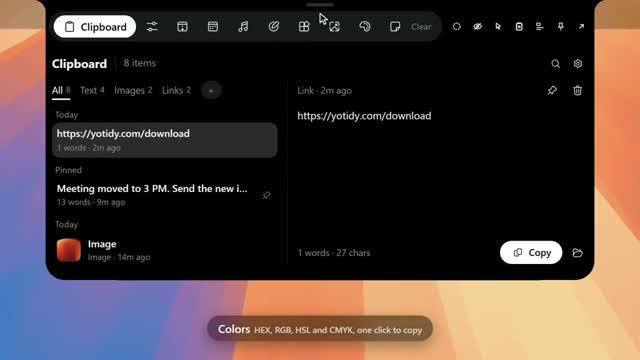
Colors
Pick any colour from your screen and copy it in the format you need.
- Eyedropper for any colour on screen
- Copy HEX, RGB, HSL or CMYK in one click
- Save the colours you use most
- Edit your palette in the palette editor
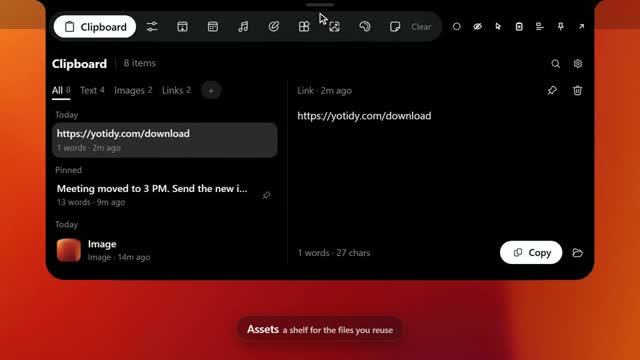
Assets
A file shelf for the files you use again. Pastidy keeps a link to each file, not a copy.
- Make shelves for each project
- Add files with Choose files or drop them in
- Drag a file out into any app
- Sort by recent, name or size
Notes
A notes app with rich text, checklists and pictures. Your notes stay on this PC.
- Bold, italic, headings, bullets and text colour
- Checklists for quick tasks
- Add pictures to any note
- Pin the notes you use most
Todo
A to-do list that also shows in Calendar and Today.
- Add tasks and check them off
- A due time turns a to-do into a reminder
- Due to-dos show in Calendar and Today
- Everything stays on your PC
Controls
Switch the things you touch most, without opening Settings.
- Wi-Fi, Bluetooth and dark mode on or off
- Pick your sound output device
- Adjust brightness with a slider
- A grid of shortcuts to apps, Settings pages and folders
Today
Your day at a glance: the time, the weather, your to-dos and a focus timer.
- The clock and today's date
- Current weather
- Your to-dos for today
- Your next event and a focus timer
Calendar
An agenda of what is next, and a month view of your days.
- Up next and the days ahead
- A month view
- Reads your calendar link and your own events
- To-dos with a due time appear here too
Music
See what is playing, with synced lyrics, and play ambient sounds.
- Play, pause, skip and change the volume
- Synced lyrics when they are available
- 29 ambient sounds made in the app
- 16 free recordings streamed from archive.org
Sounds
A mixer for the sound of every app and device.
- Choose the output and input devices
- See the system volume and microphone level
- Every app making sound, with its icon
- Volume and mute for each app
Timers
Countdowns, a stopwatch and Pomodoro focus, with the time left shown in the notch.
- Countdown timers and a stopwatch
- Pomodoro focus with a break screen
- Running timers show in the notch
- Timers keep running across restarts
Clock
A digital or analog clock, with world clocks and date tools.
- Digital or analog face
- 12 or 24 hour, with seconds
- World clocks
- A date converter and the time between two dates
Weather
Current weather, the hourly chart and the days ahead.
- Current conditions and an hourly chart
- The days ahead
- Search any city, or use your location
- Switch between °C and °F
Apps
Launch any app from your Start menu, with its own icon.
- Every app in your Start menu
- Starred and recent apps come first
- Search finds apps and files
- Open an app in one click
Wallpaper
Set a wallpaper from your own pictures or the best Windows 4K wallpapers.
- Your own pictures as wallpapers
- Best 4K Windows wallpapers built in
- One click saves the picture and applies it
- Works from the notch
Ask AI
Chat with an AI model from the notch. Your chats stay on this PC.
- Use the AI service you add a key for
- Chats stay on this PC until you start a new one
- Add your own API services under Custom
- Keys are stored encrypted on this PC
Stats
Live CPU, memory, GPU, disk and network, with the top apps.
- CPU, memory and GPU use
- Disk and network speed
- The top apps using your PC
- Updates live
System
Battery, network speeds, performance and volume in four cards.
- Battery level
- Network speeds
- Performance at a glance
- Volume
Screen Time
See how long each app was in front today and over the last week.
- Time in front for each app today
- The last week, day by day
- App icons next to each app
- See where your time goes
Units
Convert length, mass, temperature, data, speed and currency.
- Length, mass, temperature, data, volume, speed and time
- Currency with live rates
- Type a value and see the result
- Money converted with the rates Pastidy caches
File Converter
Convert pictures to PNG, JPG, PDF or ICO, several at a time.
- PNG, JPG, PDF and ICO
- Convert several pictures at once
- Set quality, target size and resize
- Converted files are never written over
Message
Show a message that takes over the notch for a set number of minutes.
- Pick the text, colour and animation
- Choose how many minutes it shows
- Or keep it until you clear it
- Shows in the notch even when it is closed
Settings
Choose how the notch opens, how it looks and which pages it shows.
- Open the notch on hover or on click
- Notch position and style
- Appearance: colours, motion and themes
- Choose which pages show in the notch
Google Drive Upload
Drop a file on the Drive side of the drop area and it goes to your Google Drive, in a folder you choose.
- Sign in with one or more Google accounts
- Large files upload in chunks
- Files stay private unless you make a link public
- Anyone with the link can view. You choose when to share it
- Only the files you send are accessed. Pastidy never reads the rest of your Drive
Teleprompter
A script that scrolls at your pace. It stays hidden from screen recordings, screenshots and screen sharing.
- Text, PDF, Word, picture and video scripts
- Hidden from screen recording and screenshots
- Adjust speed, zoom and opacity while you read
- Keep several teleprompter windows open at once
- Pin a window on top, and mute videos by default